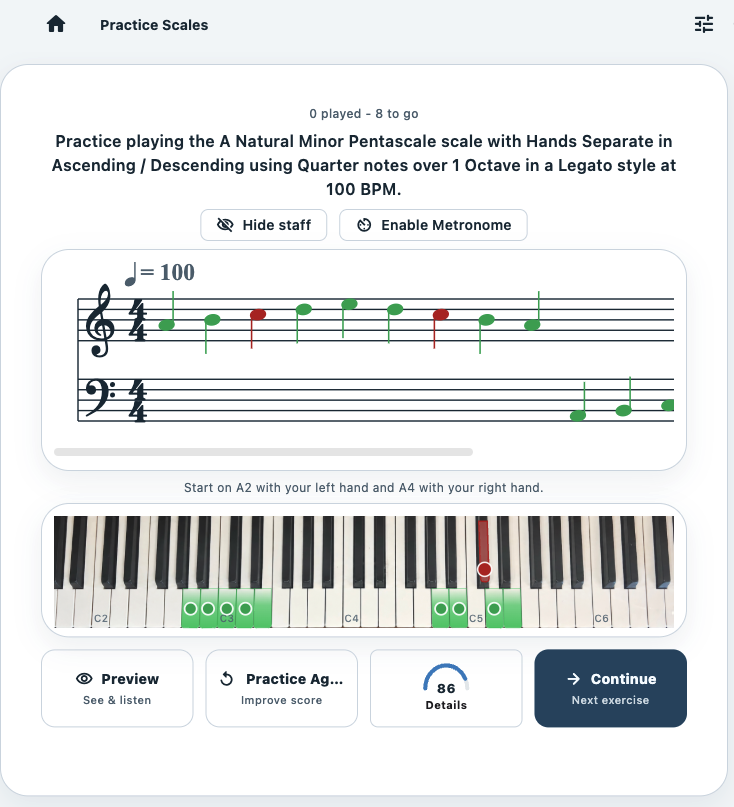
Practice the skill
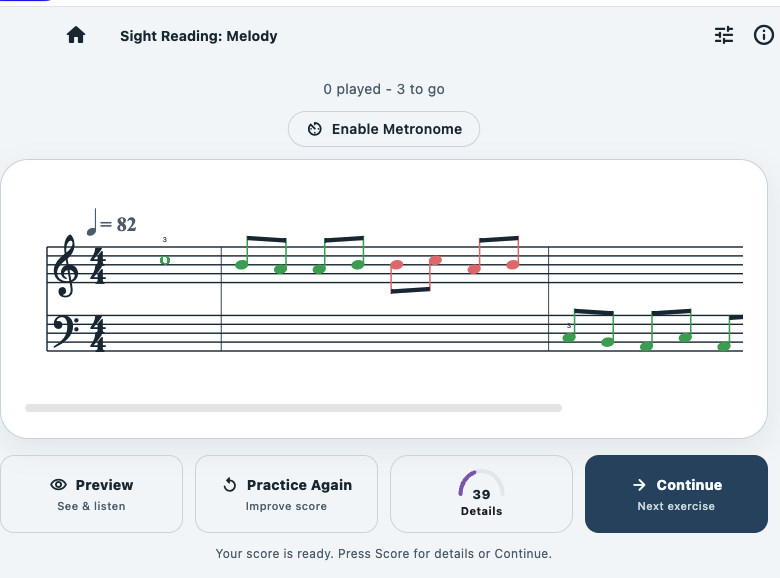
Practice Studio shows you what to play or listen for. Depending on the skill, it can evaluate what you played, your timing, what you recognized, or how accurately you sight-read.
If Piano Practice Studio is already installed, open the assignment below. Otherwise, download the app and then return to this page.
If you have not installed the app, download it now. After it is installed, return to this page.

After Piano Practice Studio is installed, tap this button once. Your assignment ID is preserved.
Open assignment in Piano Practice Studio Don’t see an OPEN button? Use another method.Some email services wrap links for security or tracking. That redirect can prevent your device from handing the assignment to Piano Practice Studio even when the app is installed.
Look at the top of this page. If you see an OPEN button for the Piano Practice Studio app, tap it to import the assignment.
Piano Practice Studio is an interactive practice environment for the technical, listening, rhythm, and sight-reading skills pianists work on every day. Choose what you want to practice, play or respond, get immediate feedback, and see your progress over time.
Between lessons, Practice Studio listens to your playing, evaluates accuracy and timing, and gives you immediate feedback so you can practice with confidence.
Piano Practice Studio is a mobile app for iPhone, iPad, and Android. Explore the app on this website, then download it to practice at your piano.
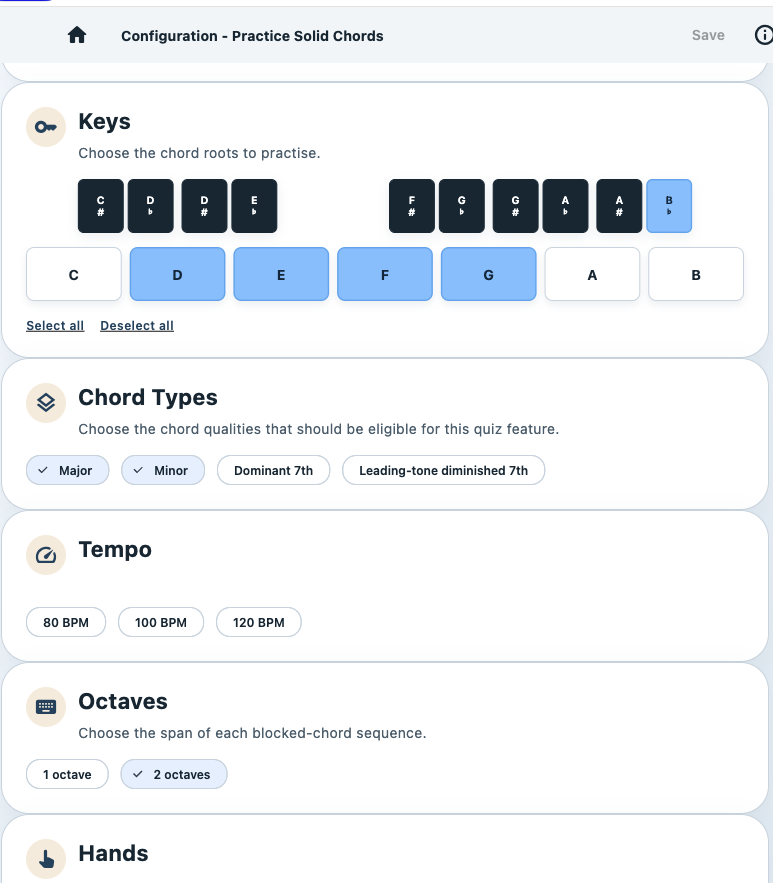
We think of every variation of your piano practice as a different skill. A B♭ major scale played with the right hand is one skill. Play it with the left hand and it becomes another. Both hands? Another. Both hands in contrary motion? Another.
Across scales, chords, arpeggios, intervals, rhythm, sight reading, ear training, and more, those variations add up to more than 80,000 individual skills.
You get the idea.
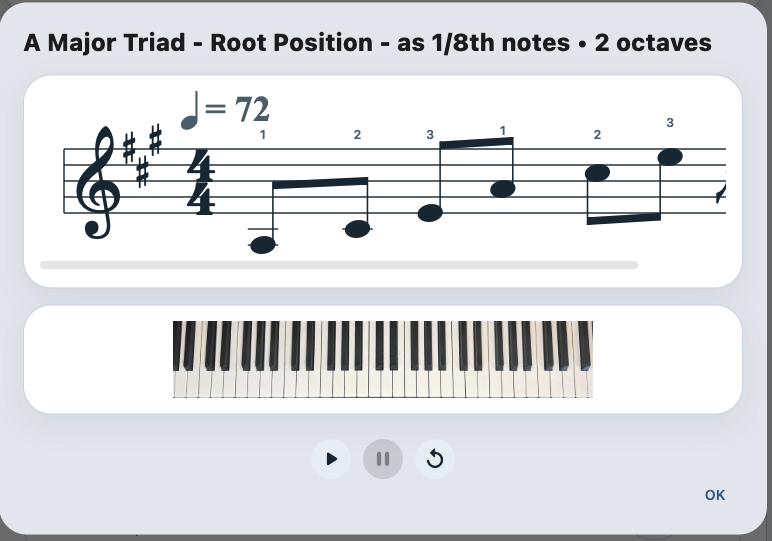
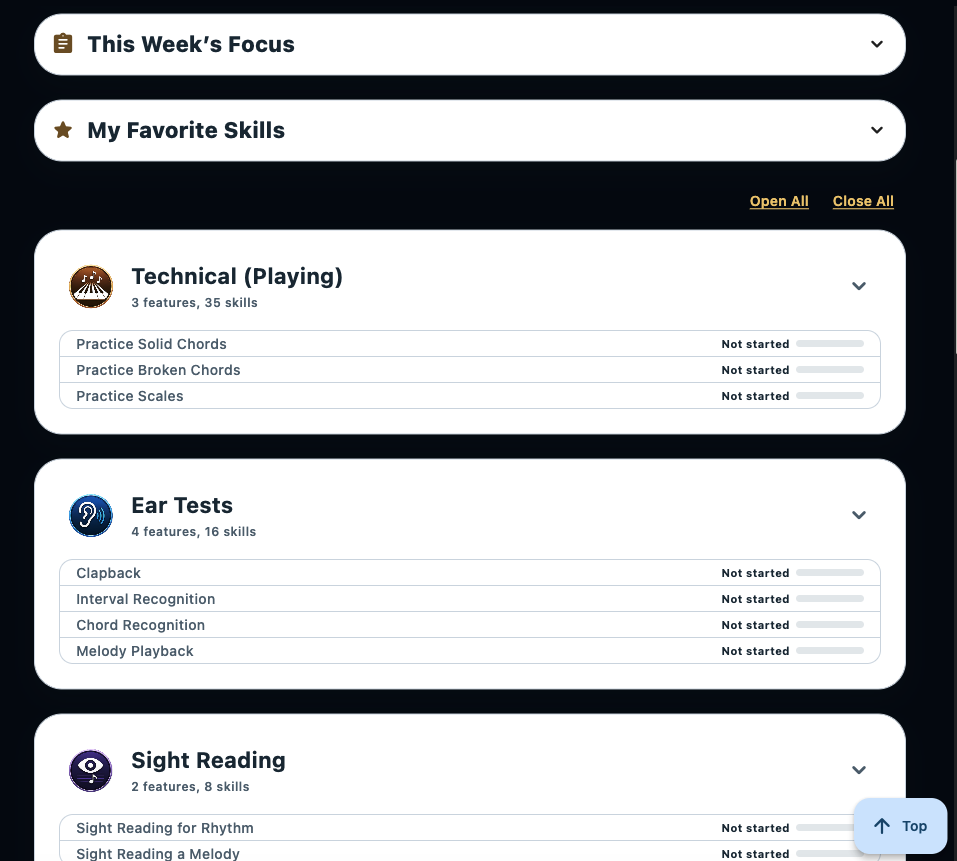
Practice Studio organizes skills into meaningful groups based on your current ability and where you want to go. If you're following a recognized piano curriculum, select your school and level. If you're learning independently, choose the level that best represents your ability.
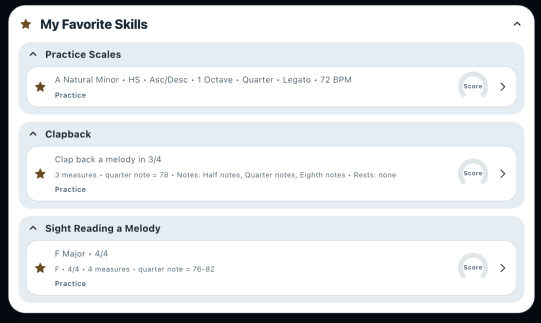
Your level gives you the right set of skills, but you don't need to practice all of them today. Add skills to My Favorite Skills when you want to concentrate on them. If you're taking lessons, your teacher can assign specific skills to This Week's Focus directly from this website.
Are you a piano teacher? You can also create and send student practice assignments from our Teacher's Portal.
Once you've chosen what to work on, Practice Studio turns those skills into targeted practice sessions and shows you how you're doing.
Practice Studio shows you what to play or listen for. Depending on the skill, it can evaluate what you played, your timing, what you recognized, or how accurately you sight-read.
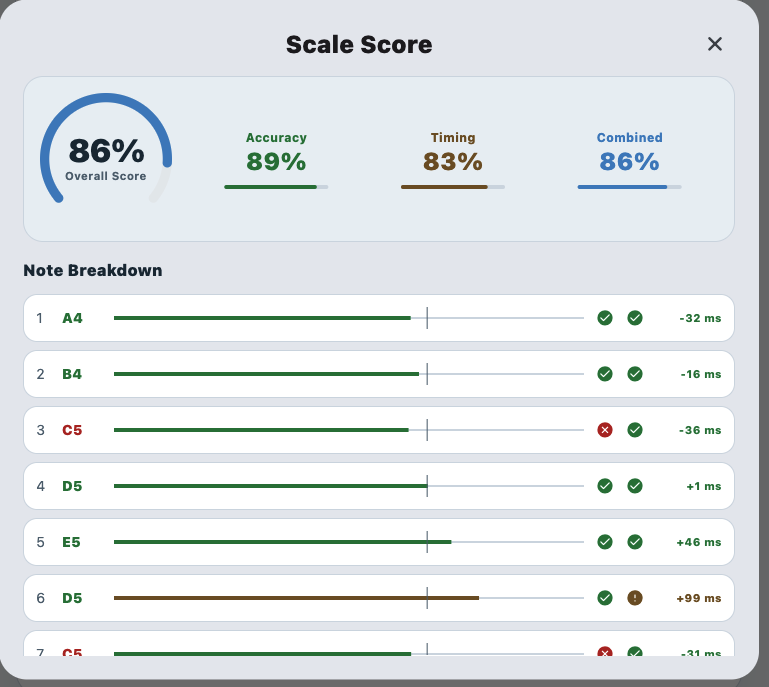
A score gives you the quick answer. Detailed results show accuracy, timing, and individual notes so you can see where improvement is needed.
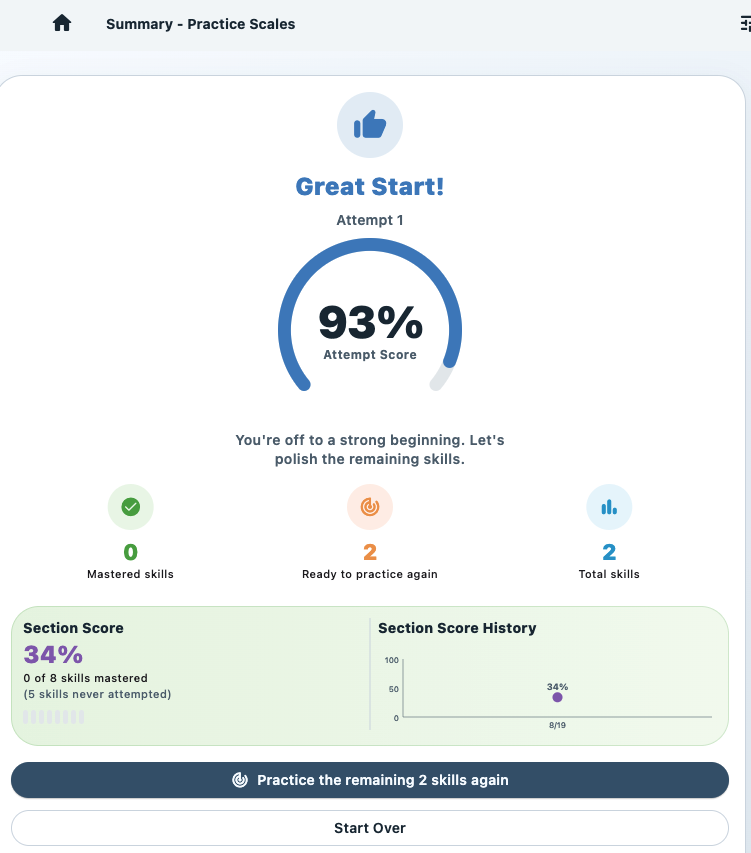
Practice the skills that need more work and watch your results improve across attempts, sessions, and over time.
Practice Studio doesn't choose pieces of music for you to learn. Repertoire involves interpretation, expression, phrasing, style, and musical judgment. We believe those decisions belong to the pianist and, when they have one, their teacher.
Practice Studio concentrates on the underlying skills that benefit from structured repetition, immediate feedback, and measurable progress.
Start with the complete practice environment, then decide whether the progress tools add value for you.
Use the 19 different practice features and configure almost every conceivable combination of parameters to practice exactly the skills you want.
Premium keeps giving you detailed performance scores, section summary scores, long-term scores by skill and section, level-based Guided Practice, and teacher-assigned skills.
We believe much of the extra value comes from seeing where you've been — and watching yourself improve.Practice skills appropriate to your school and level, receive immediate feedback, focus on what needs work, and see your progress between lessons.
You don't need to be taking lessons. Choose the level that best represents your ability, explore the complete skill library, build your own practice focus, and work systematically on the skills you want to improve.
You remain in control of what your student should practice. Select specific skills and send a weekly assignment using this website. Your student sees those skills in the app under This Week’s Focus.
Create the assignment. Send it in seconds. Your student opens Practice Studio and sees exactly what to practice, performs the skill, and gets immediate results.
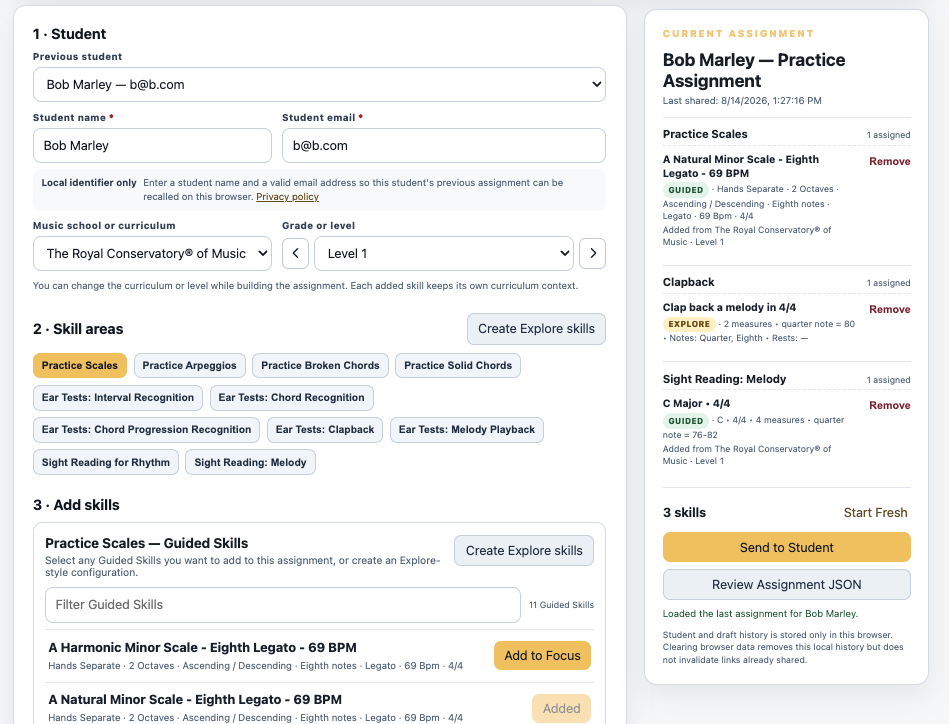
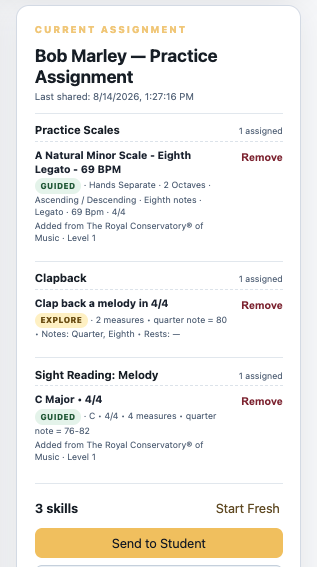
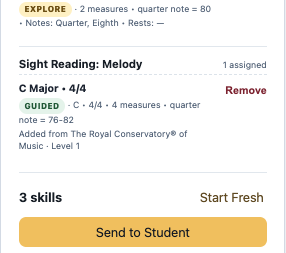
Choose a student's level, select skill areas, then build and share the assignment.
From technical playing to ear training, sight reading and reference tools, Practice Studio brings a remarkably broad piano practice library into one focused environment. Skills are organized by skill area and skill level — but if you can’t find what you are looking for, you can configure your own.
Click or tap on the examples below to experience how the app can preview the technical skill. After you download the app, you can play these pieces and get immediate feedback.
Explore the different ways Practice Studio helps pianists play, listen, recognize, read and understand music. Select any area for a closer look.
Over 80,000 unique skills can be configured. Choose the key, hands, direction, octaves, tempo, articulation and other options to create exactly the skill you want to practice.
The website can show you the breadth. The mobile app is where Practice Studio listens, scores and follows your progress.
This skill catalog screen will be developed next.
Choose one option in each section, then see the skill in action. These are the same scale configuration controls used in the Teacher Portal.
The synchronized grand staff, keyboard and playback presentation will appear here.
In Piano Practice Studio, you play this skill on your MIDI piano. Practice Studio listens, scores your accuracy and timing, and tracks your progress.